jeffsquared dot com
Hello there, I’m Jeff, a software engineer in Austin, TX. This page documents toy video games I’ve created on a journey to learn video game development. Games are listed in chronological order, and all games are developed in Unity 6. I don’t use LLMs or Generative AI for content, code, art, music, etc. - only for researching things.
For inspiration during this journey I am referencing the 20 Games Challenge.
Current Project: See below for Game 6: JRPGPrototype. As of October 2026, I am approximately 400 hours into the prototype and have several systems fleshed out.
Contacting Me: I’m open to new opportunities and relocation; if you’re an employer looking to hire, please send me an email as I’d love to learn more about your challenges and problem space.
Table of contents
Game 1: Sprite Flight
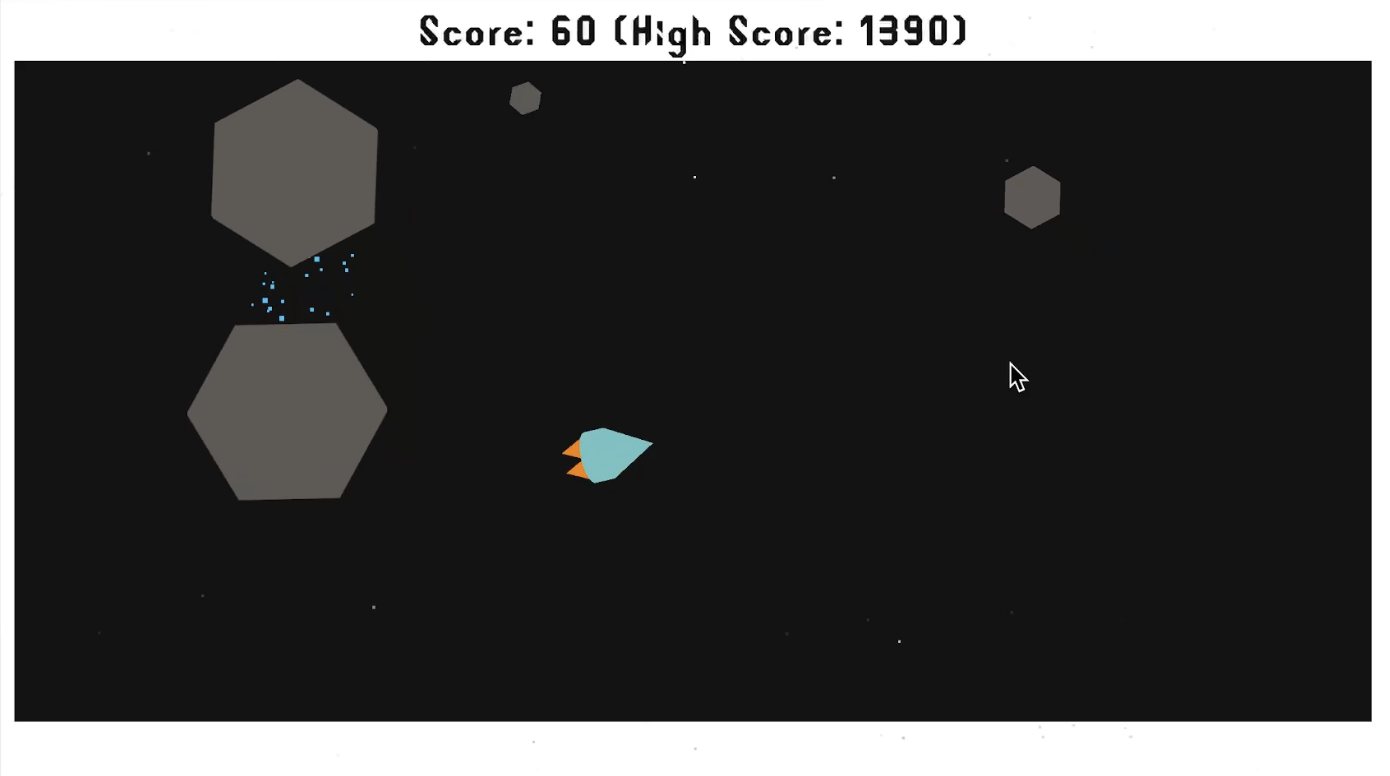
Sprite Flight is a 2D space evasion game built from a Unity Engine tutorial. Use the mouse to steer and and left click (or W key on US keyboards) to boost forward. It features an immunity window, particle effects, and uses the Unity physics engine. This is the only game created directly via tutorial.
- Download: WebGL (in-browser)
- Challenges: Fine tuning Unity Editor for faster debug/loading times
- Favorite Part: Shipping a game
- Assets:
- Code: Jeff
- SFX/Music: Unity Tutorial-provided
- 2D Assets: Jeff
- UI: Jeff
- Particles: Jeff
- Fonts: Szymon Furjan
- LLMs Used: None
Game 2: JeffPong
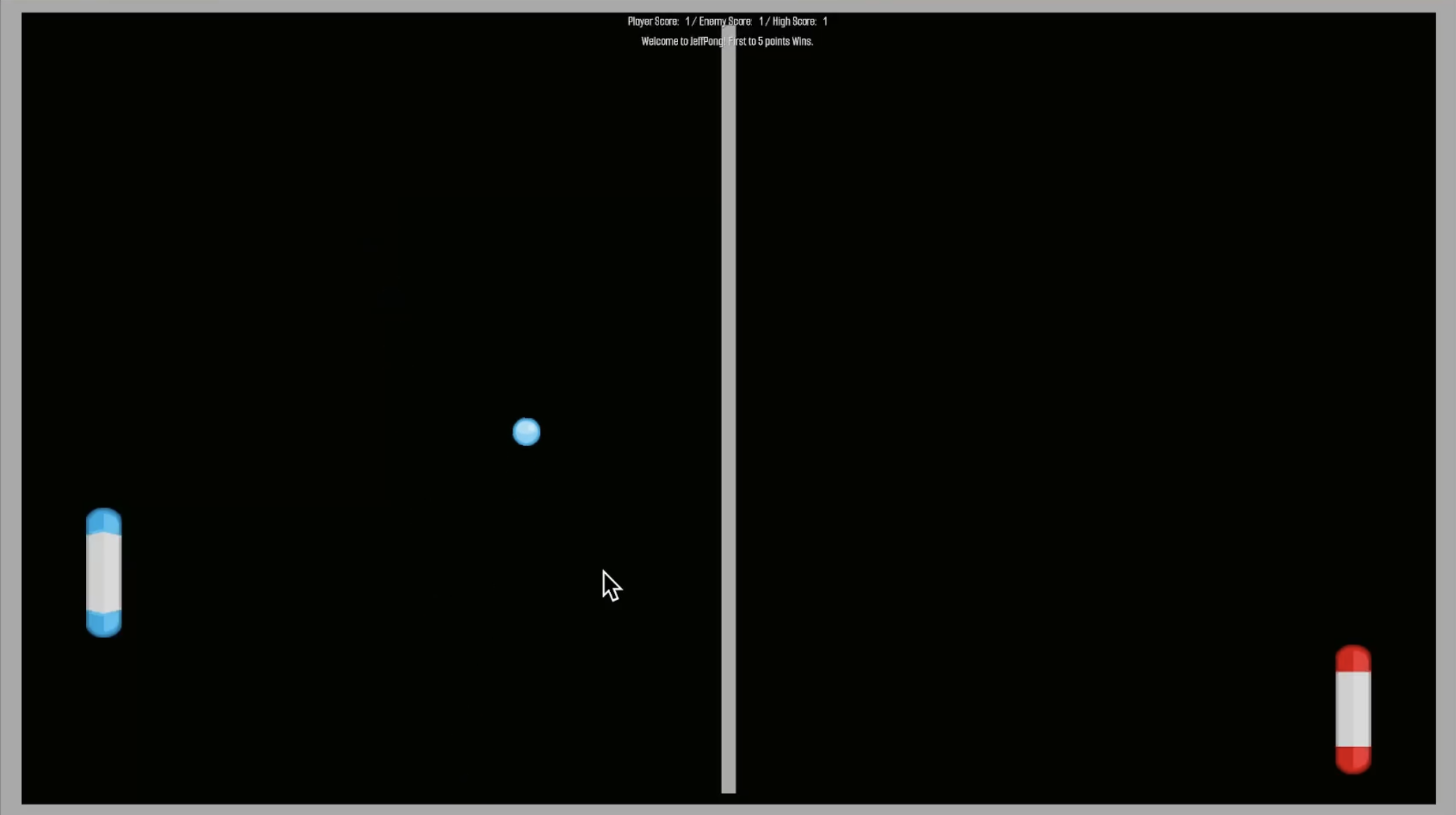
JeffPong is a 2D pong clone built fully from scratch. It features basic enemy AI and ball fuzzing to reduce lulls in the game. Use the mouse to move the paddle. First to 5 points wins.
- Download: WebGL (in-browser)
- Challenges: Re-learning vector3/vector2 math, pong doesn’t obey normal physics, using physics is folly; simple reflections are too perfect leading to game lulls, gameplay needs further fine tuning.
- Favorite Part: Implementing a ball fuzzing function.
- Assets:
- Code: Jeff
- SFX/Music: Jeff
- 2D Assets: kenney.nl - Creative Commons CC0
- UI: Jeff
- Particles: None
- Fonts: Google Fonts (OFL)
- LLMs Used: None
Game 3: JeffBreakout
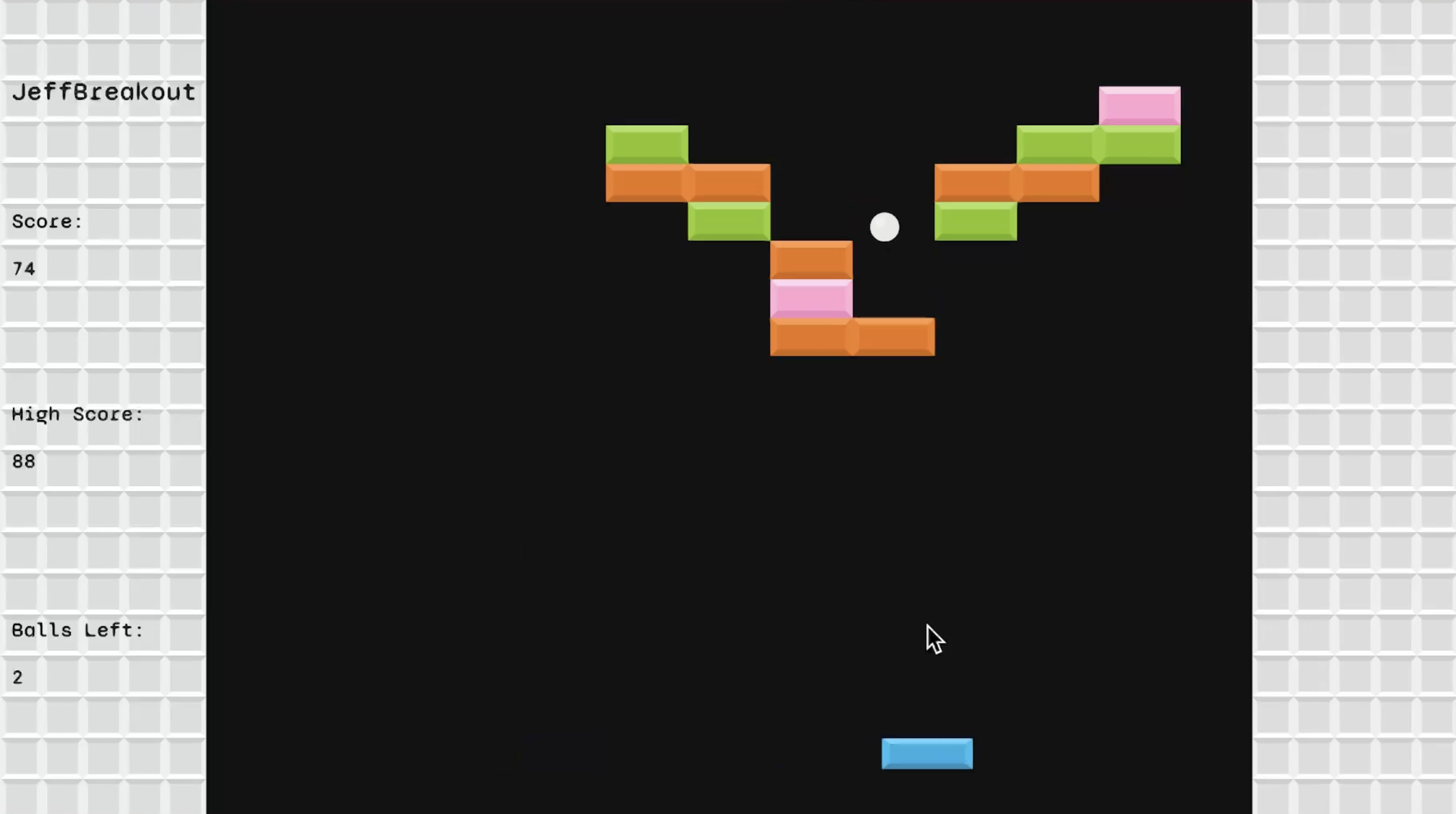
JeffBreakout is a 2D Breakout clone built fully from scratch. It features bounce exaggeration based on where the player hits the ball on the paddle to give the player more control. Levels are auto generated via a very simple algorithm.
- Download: WebGL (in-browser)
- Challenges: Fine tuning runtime brick generation and positioning, bounding boxes, local vs world positioning, auto generated levels, analyzing breakout physics, seeing serious limitations without a proper event system, avoiding scope creep, exaggerating bounces
- Favorite Part: incorporating sound effects all at once and seeing the result; bounce exaggeration function
- Assets:
- Code: Jeff
- SFX/Music: Jeff
- 2D Assets: kenney.nl - Creative Commons CC0
- UI: Jeff
- Particles: None
- Fonts: Google Fonts OFL
- LLMs Used: None
Game 4: JeffSpaceInvaders
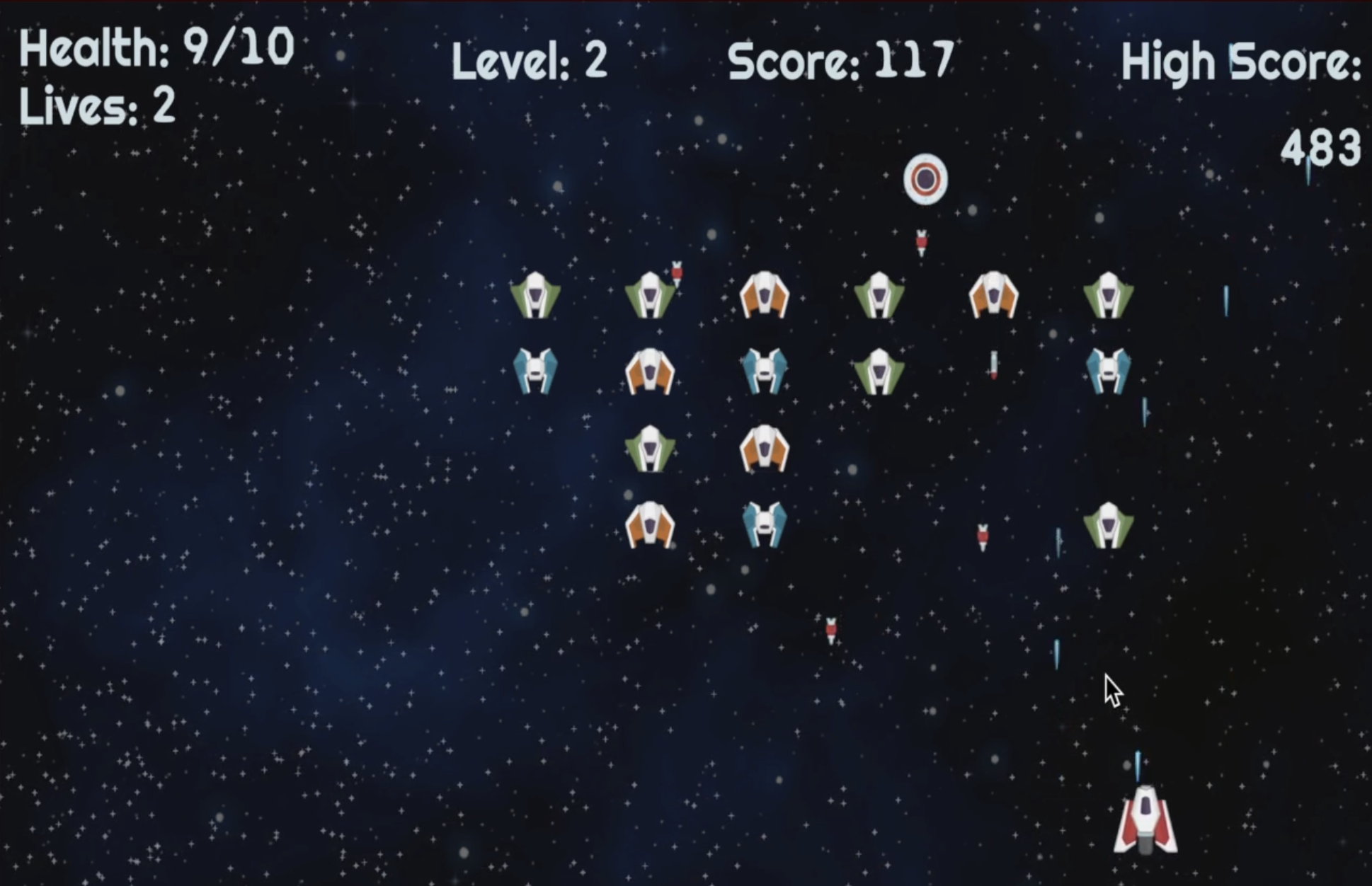
JeffSpaceInvaders is a 2D Space Invaders clone built from scratch. This clone focuses on relatively rapid gameplay rather than the slow, measured mechanics of the classic game. It features 3 levels, 4 enemy types, 4 projectile types, particle explosions, game pausing, and uses a pub/sub event system. For this game, I focused on finding good patterns and implementing them. Special thanks to O’Reilly’s Unity Game Development Cookbook (Buttfield-Addison).
- Download: WebGL (in-browser)
- Tidbits and Challenges:
- First time using various concepts in Unity: sprite atlas, difficulty levels, loading levels, prefab variants, animation, custom particles, pub/sub event system, Unity UI Toolkit transitions, time vs unscaledTime.
- Logic to ensure only bottom enemy shoots - initially didn’t have columns set up, required changes to enemyZone generation
- Event system revealed all the work that was ahead for decoupling
- Ensuring prefabs are organized and varianted appropriately
- Learning animation keyframes and curves for UFO movement
- Deciding to treat UFO like any other enemy was a mistake
- Refactoring UI to be active by default and use new USS to fade in/out
- Favorite Parts:
- SFX, gameplay tuning, adding fade in/out to UI transitions, tick tock controller for enemy movement.
- Assets:
- Code: Jeff
- SFX/Music: Most SFX made by Jeff, with a few SFX from kenney.nl, and BGM from Jonathan So’s Creator’s Game Pack
- 2D Assets: kenney.nl - Creative Commons CC0, space bg image Screaming Brain Studios
- UI: Jeff
- Particles: Jeff
- Fonts: Google Fonts OFL
- LLMs Used: Once, to generate a hex color gradient for the explosions.
Game 5: JeffIndy500
August 2026: JeffIndy500 is a micro top-down racing game with more detailed 2D character (car) controller movement, tilesets with off-track car slowing mechanics, and customized acceleration, braking and turnig radius per car.
- Download: WebGL (in-browser)
- Tidbits and Challenges:
- Scoping: I had to be very aggressive in cutting scope here to move on to working on the next prototypes for my ultimate goal of developing a JRPG. I could have easily spent another week or more on this, but forced myself to cut short. This is why there is no music, SFX, additional modes, or car selection menu.
- I had to decide early on to turn gravity off, cars kept felling out in Y negative direction; could keep gravity as 3D rigidbodies and colliders and have gravity act in Z direction, but erred towards simplicity for this.
- Putting sprites in a sprite atlas resulted in gaps between tiles miraculously disappearing.
- Fine tuning drift particles took longer than expected due to falling into a maze of particle settings, and re-remembering x and y axis orientation in local space for vehicles.
- Fine tuning the first track was challenging given the tileset and scale of the tile I wanted to use. didn’t have enough tiles that I wanted and had to get creative. This tileset was generic and not optimized for Unity tilemaps.
- Lesson learned: It’s better to split out controllers more granularly than I think I need, rather then combine as needed later, it would have saved refactoring time here.
- Having multiple controllers initializing at game start required me to get events cleaned up and using the proper setup functions at the proper time i.e.: Awake() vs Start() vs OnEnable() and OnDisable(). when I refactored I ran into issues with unity initializing things in slightly different order i.e.: don’t reference other controllers in Awake(), do that in Start(), and get self-contained init done in Awake() where possible.
- Lesson learned: Pay attention to what you name your controllers and funcs, as you could easily conflate a broad UI controller or function with a chunk of code that is meant to do something with narrower scope like setting up one specific UIDocument.
- Lesson learned: Testing is tedious in a racing game even on a 15 second track with 3 laps, so I developed a cheater-enabled flag where I could shortcut to the end of a race.
- UIToolkit: I found difficulties in setting up function handlers or styles on UI elements ahead of time if the GameObject for that UIDoc is not active, and even then it seems UIToolkit needs a frame or two before its UIDoc tree is fully set up and not null. I went with the route of having the UIDoc active all the time and toggling Display.Flex vs Display.None style. I had wished it were more elegant and seamless with SetActive(). In the future I think we need to take the route where there’s a default Display: None with USS class .editor-only where it has Display: Flex, then during runtime remove the editor-only style and allow UI to be hidden until needed via Display:Flex.
- Favorite Parts:
- Tweaking physics settings for mass and linear damping until car controls and movement felt right
- Assets:
- Code: Jeff
- SFX/Music: None
- 2D Assets: https://pixgirl.itch.io/2d-pixel-f1-racing-assets, https://openclipart.org/detail/286395/motor-racing-flag-1-chequered-flag
- UI: Jeff
- Particles: Jeff
- Fonts: Google Fonts OFL
- LLMs Used: Research Only
Game 6: JRPG Prototype
August 2026+: JRPG Prototype is a prototype 2D JRPG engine in the spirit of classic games such as Chrono Trigger, Final Fantasy 4/6, and Secret of Mana. This is a multi-year long term project: I am starting with vertical slices of functionality and iterating along the way, using free or low-cost 2D game assets to stub in content. The goal is to have a flexible, decoupled engine ready for fresh content population and story. As of Mid-October, I have several systems implemented with what I would consider good decoupling and flexibility to scale: Saved game persistence and loading, tilemap and submap loading, dialogue system, world interactables and NPCs, shop vendors, scene management, party management, battles and battle UI with pluggable mob and player attacks.
More details and updates coming soon.
© 2025 Jeffsquared.com.